Organize, focus, and review.
Put your to-dos in order, focus from the top of your Mac screen, and see what you got done.
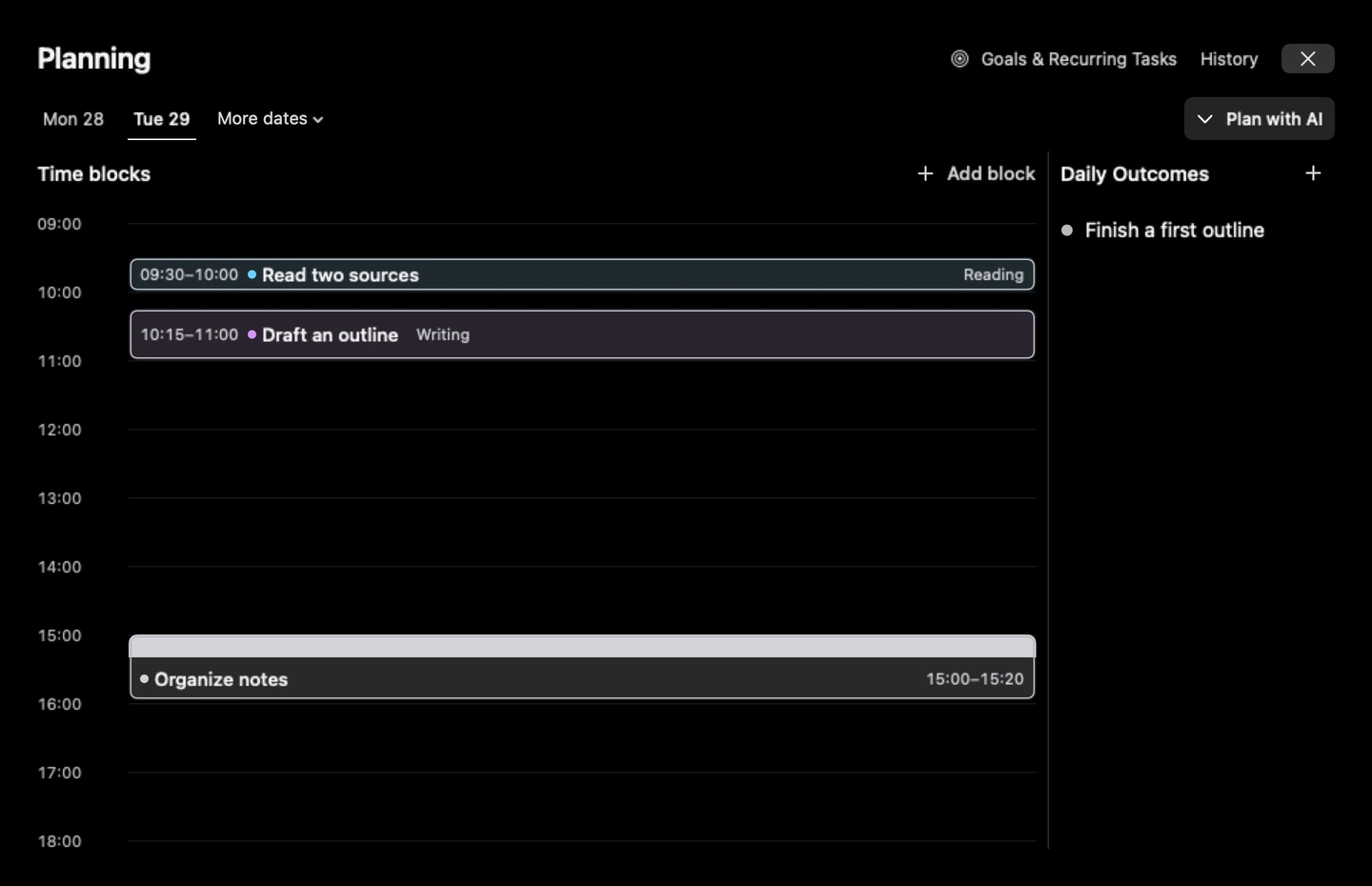
Make a plan for the day.
Give the things you want to do a place on your timeline. Write a daily outcome so you know what you want to finish. Repeating tasks have their own completion state each day.
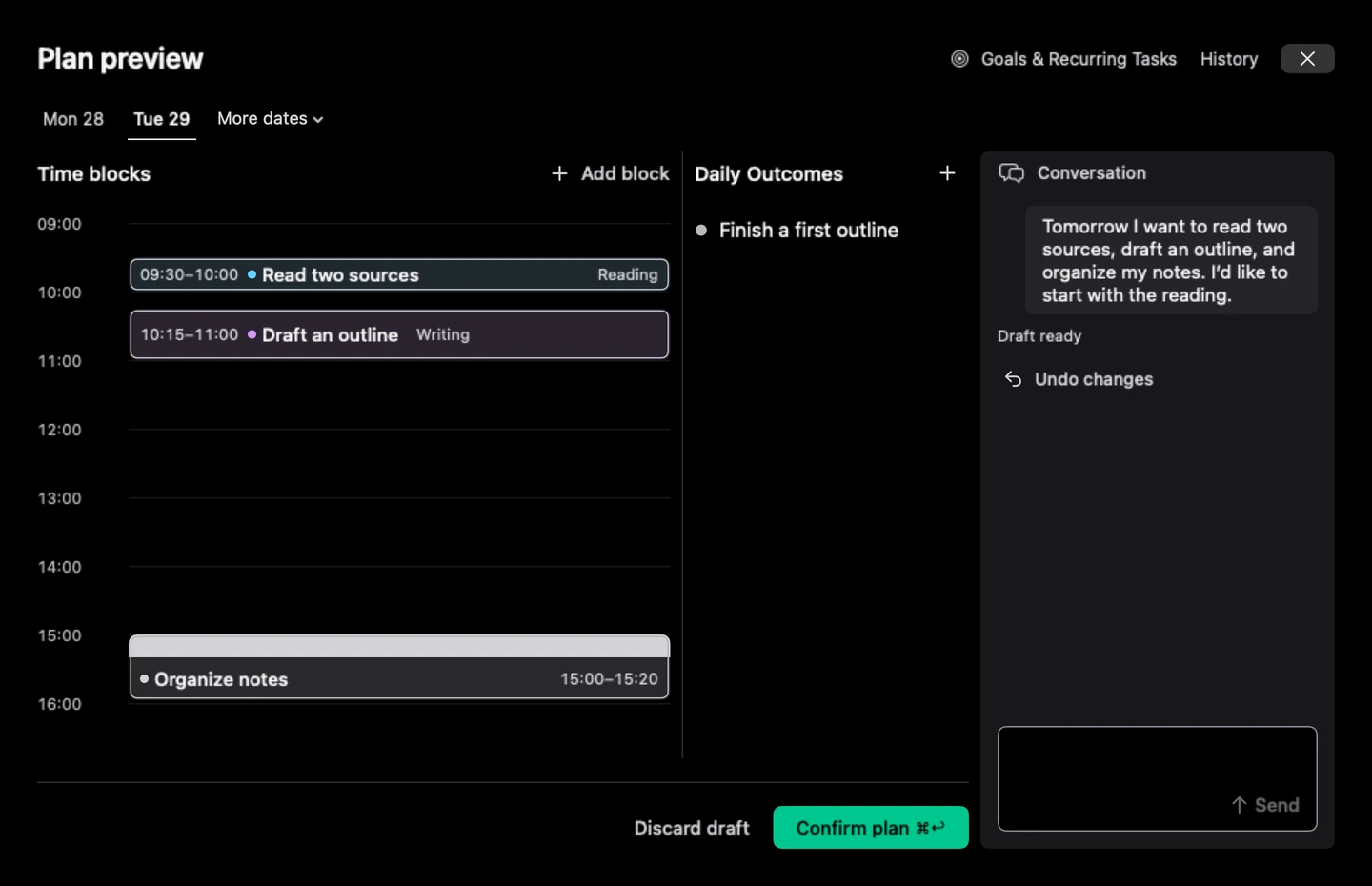
Start with one message in Pro.
Say what you want to do. Vibedoro drafts time blocks and a daily outcome. Adjust the draft if you need to, then confirm it to save your plan.
AI planning requires a sign-in and your permission to send your plan. Read how Vibedoro handles your data.
Your way to focus
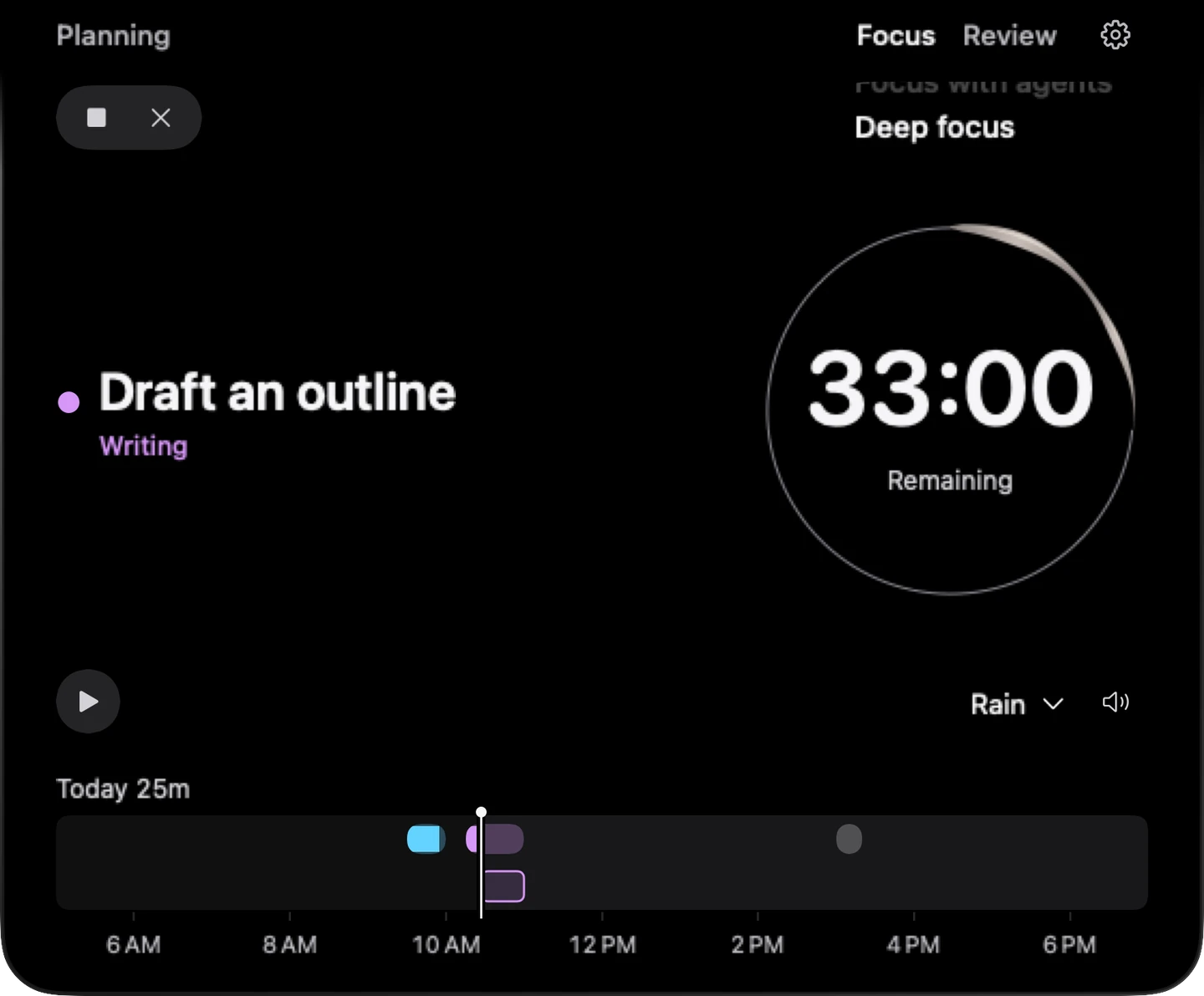
Start from a time block, choose a task, or simply focus.
Focus with agents. Work with AI to make progress. Available agent context stays in view.
Deep focus. Read, think, write or build independently. Agent signals stay out of view.
Switch without resetting the clock. Deep pauses Vibedoro’s Agent reads; other apps and agents keep working.
Use a timer or No timer. Stop saves valid minutes. Cancel discards them.
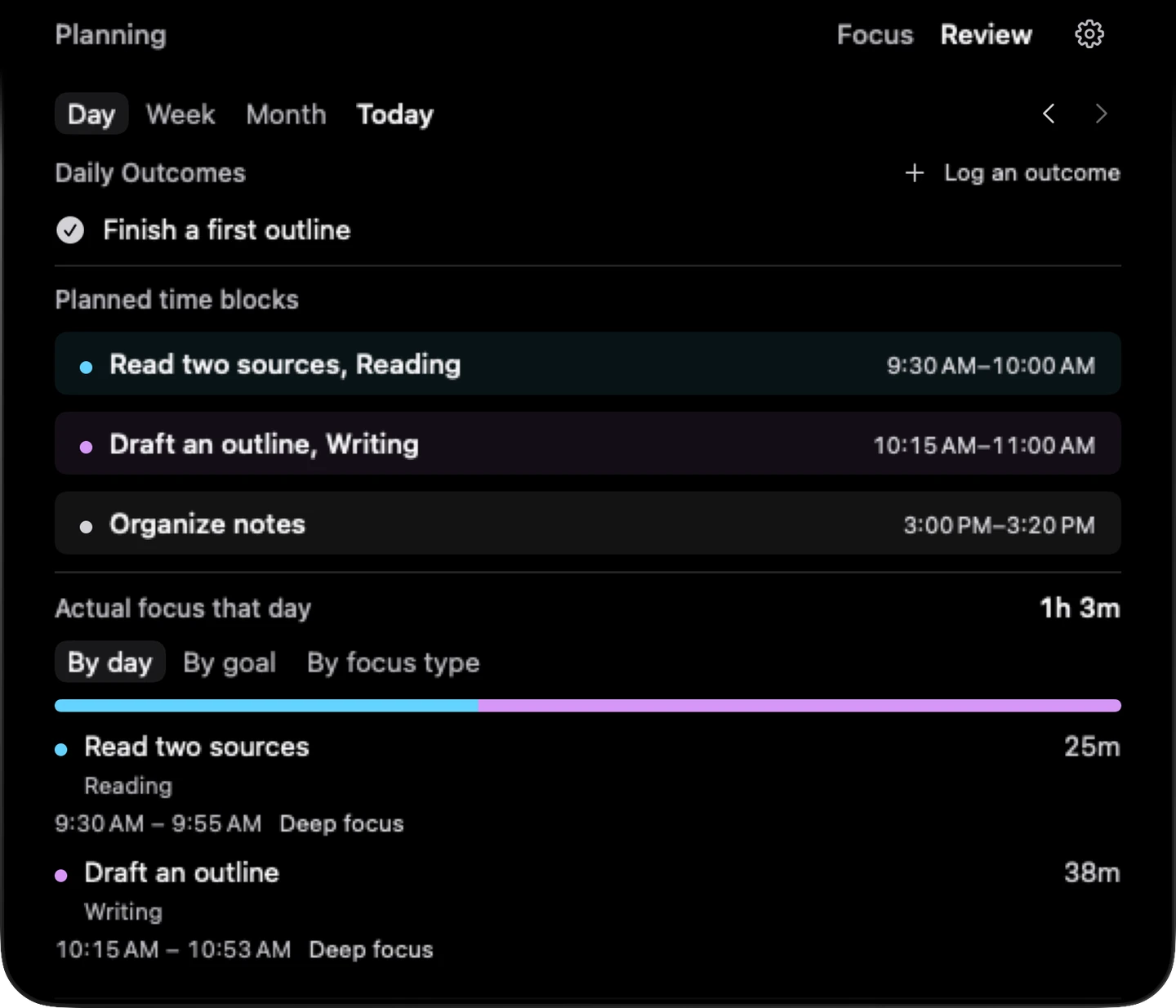
See what you got done.
Check off daily outcomes and see your plan alongside the time you actually focused. Look back by day, week, or month.
Your records, for your agents
Export a dated JSON snapshot of your goals, plan, focus, and outcomes. Share it with an agent you choose. Export is free and manual.
Read the Agent guideOptional agent context
Connect native Codex context or a separately authorized Claude Code publisher in Settings. The Claude publisher currently supplies user-message counts. Other agents can publish supported local summaries; capabilities vary.
Monitoring is separate from reading your export. Vibedoro does not answer, approve or dispatch work. See connection help.
The core is free.
Focus, Review, optional Agent context and personal export are free. Pro adds capacity and personalization.
Free includes manual planning. See the Pro AI preview for the upcoming release.
| Free | Pro | |
|---|---|---|
| Active goals | 2 | 5 |
| Daily tasks | Up to 30 | Up to 30 |
| Soundscapes | Rain, Brown noise | All 6 |
| Themes | Dark | Dark, Light |
Optional Apple subscription, no trial. Local prices appear before confirmation. Subscription details.
At home on your Mac.
macOS 14+, with or without a notch. Nine languages. Manual planning, focus, and Review work without a Vibedoro account. Your focus archive stays on your Mac, and you choose when to export it.